
Many people will say you need the newest and most expensive equipment, technology, and software to be a designer. But even in a digital age, that’s not entirely true.
From Gutenberg’s printing press to etching and engraving, graphic design began as a physical craft. It was hands-on, material-based, and incredibly tactile, and, for many designers, it still is. Today, many first- and second-year designers begin with the basics, often far removed from computers and expensive software.
Working analog offers something different. It’s a slower, more intentional way of designing. It allows you to see, feel, and understand design in its most immediate form.
Here are a few essential analog tools that continue to shape how designers create and tools that, as a designer, you absolutely need!
Studio Essentials
Bone Folder
Product mockup? Bone folder.
Zine? Bone folder. (Check out our article: How to Make a Zine)
Crisp paper fold? I think you get it.
If you’re completely new to design, you’ve probably never even heard of it, but a folding bone will be your new best friend!
Used to create clean, sharp creases in paper without tearing or warping it, folding bones are great for building mockups, assembling booklets, or experimenting with paper structures.
It’s one of those tools you don’t realize you need until you use it once.
Dotted Journal / Sketchbook
You might already have a sketchbook (great!), but switching to a dotted journal will completely change the way you work!
The subtle grid of dots provides just enough structure to guide your layouts without restricting creativity. It makes it easier to draw straight lines, maintain consistent spacing, and experiment with compositions.
More importantly, it encourages speed. Ideas can be captured quickly, without the pressure of perfection.
T-Square or Triangle
Graphic design is all about precision matters (that’s why we love digital creation so much!), but being precise can be hard.
A T-square or triangle helps create clean, consistent lines and angles, especially when working on layouts, grids, or typographic explorations. These tools are foundational in understanding alignment and structure, which are essential principles in both analog and digital design.
They slow you down in the best way, forcing you to think about placement rather than relying on quick digital adjustments.
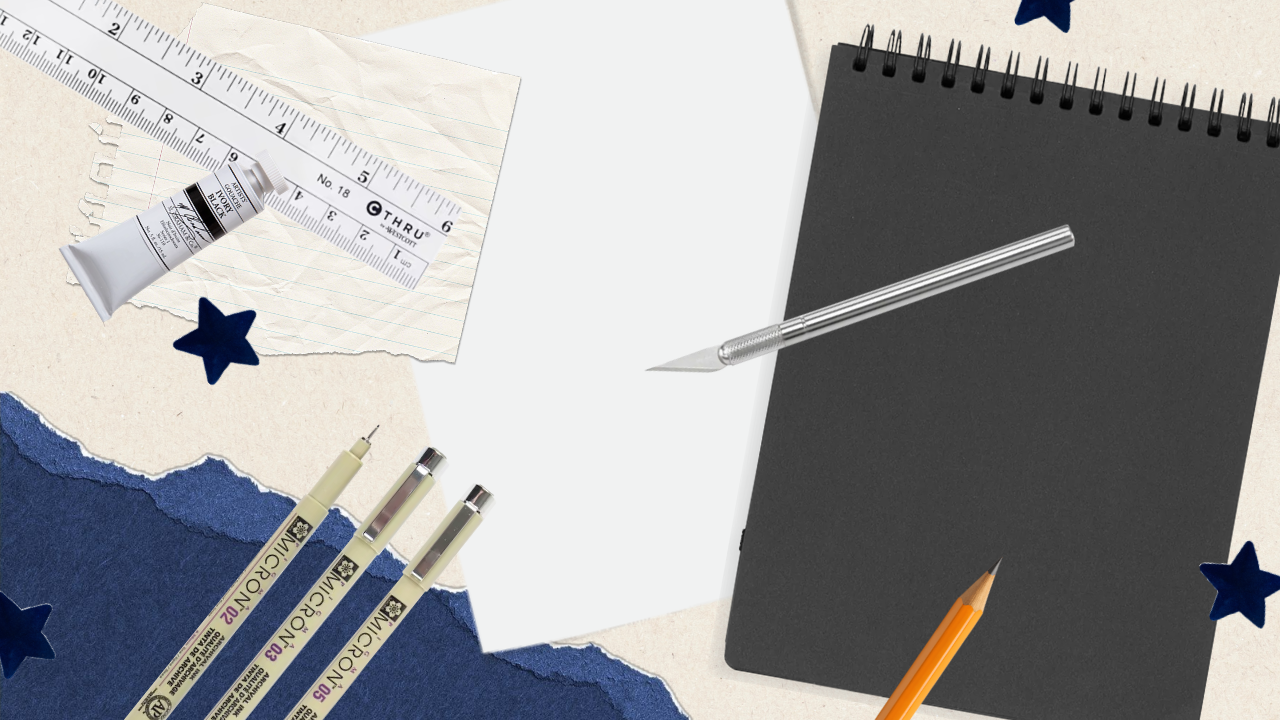
X-Acto Knife
Used for cutting paper, refining edges, and creating detailed compositions, the X-Acto knife requires patience and control. It’s especially useful for collage work, mockups, and any project that involves layering materials.
Tracing Paper
Tracing paper is one of the most versatile tools in analog design.
It allows you to iterate quickly by layering ideas, refining compositions, and testing variations without starting from scratch. Designers often use it to sketch over existing layouts, experiment with typographic placement, or explore different visual directions.
Straightedge / Ruler
Simple but essential.
A straightedge ensures accuracy in measurement, alignment, and spacing. Whether you’re cutting, drawing, or constructing a layout, it provides the structure needed to keep everything consistent.
It’s often overlooked, but it’s one of the most frequently used tools in any analog workflow.
Honorable Mentions
Ergonomic Chair
Not exactly a design tool, but just as important. Long hours spent sketching, cutting, and assembling can take a toll on your body. Investing in a supportive chair, when possible, can make a significant difference in your workflow over time.
An ergonomic chair is just as good for when you need to switch over to digital. Your back will thank me later!
Pantone Color Book
For more experienced designers, a Pantone color book bridges the gap between analog and digital. It allows you to see and select colors as they truly appear in print, rather than relying on screen-based approximations.
If you love print design, the Pantone Color Book would be a great addition to your studio.
Why Analog Still Matters
Analog and digital tools complement each other even today.
Analog tools slow the process down, making room for experimentation, mistakes, and discovery. They make design feel more tangible. You can hold it, adjust it, and physically interact with it in ways that a screen doesn’t allow.
In a time where so much design is fast, optimized, and fleeting, working with your hands allows you to take a moment to pause and pay attention.
Sometimes, that’s where the best ideas begin.